
Skip to content
06 — RoomsProduct

Every room, set up once and known everywhere.

Room numbers, types, capacity and status in one place, so bookings, chats and requests always point to the same room.

Overview06 / 09

Everyone should mean the same room when they say “109”.

Rooms is where your property is described to Blue Butler. Add a whole floor in one line, give each room a type, and fill in capacity and area whenever you are ready. Rooms can be marked active or inactive without deleting them.

Because rooms are set up once, the same number appears on bookings, at the top of guest conversations and on every service request. Housekeeping knows exactly where to go, the front desk sees the right room on arrival, and Blue Butler can describe a room type accurately when guests ask.

Without Blue ButlerToday
  • Room numbers typed differently by each team
  • Setting up rooms takes an afternoon
  • Housekeeping goes to the wrong door
  • Guests get vague answers about rooms
With Blue ButlerLive
  • One room list, used by every module
  • A whole floor in one line
  • Requests carry the exact room
  • Accurate type, capacity and size
Inside the dashboard

Every room, one list.

Room number, type, capacity, area and status side by side. Filter by type or status and see which rooms still need details.

  1. 1

    Ranges or lists

    101-109, 201 to 204, or 101, 102, 205.
  2. 2

    Active or inactive

    Take a room out of use without deleting it.
  3. 3

    Needs details

    Missing information is flagged in the list.
How it works

From floor plan to working rooms.

Setup takes minutes, and every other module uses it from then on.

Guest · WhatsApp
How many people fit in the deluxe room?
Room type
Deluxe Room
Max person
2
Area
320 sq ft
Intent
Room details
Answered from RoomsDeluxe Room · 2 guests · 320 sq ftResolved
Blue Butler replies
Our Deluxe Rooms sleep two, with 320 sq ft of space.
A day at the hotel

One day with rooms.

From the morning shift to the last message of the night.

  1. Floor added

    101-109:Standard creates nine rooms.
  2. Details filled

    Capacity and area for the deluxe rooms.
  3. Room assigned

    Room 109 chosen on a new booking.
  4. Room inactive

    110 taken out of use for repairs.
  5. Right door

    Towels reach room 204, not 240.
Who it helps

Built for the people who run the stay.

01 · For

Front desk

The right room, every time.
  • Rooms to pick from on booking
  • Types and capacity
  • Active rooms only
02 · For

Housekeeping

No wrong doors.
  • Exact room on requests
  • Consistent numbering
  • Room details on hand
03 · For

Manager

Your property, described once.
  • Bulk setup
  • Room types
  • Status control
In practice

Why room details matter in conversation.

Real questions guests send on WhatsApp, and what happens next.
Behind every reply
  • Answered on WhatsAppGuests write where they already are. No app, no login.
  • From your hotel’s own informationTimes, policies and services you set up, nothing invented.
  • Your team when it mattersAnything sensitive is handed to a person, with the full chat.
See it with your questions
3:15
Blue ButlerBlue Butleronline
How many people fit in the deluxe room?
3:15 pm ✓✓
Our Deluxe Rooms sleep two, with 320 sq ft of space.
3:15 pm
Message
Room typeDone
Answered from the room type and capacity you set.
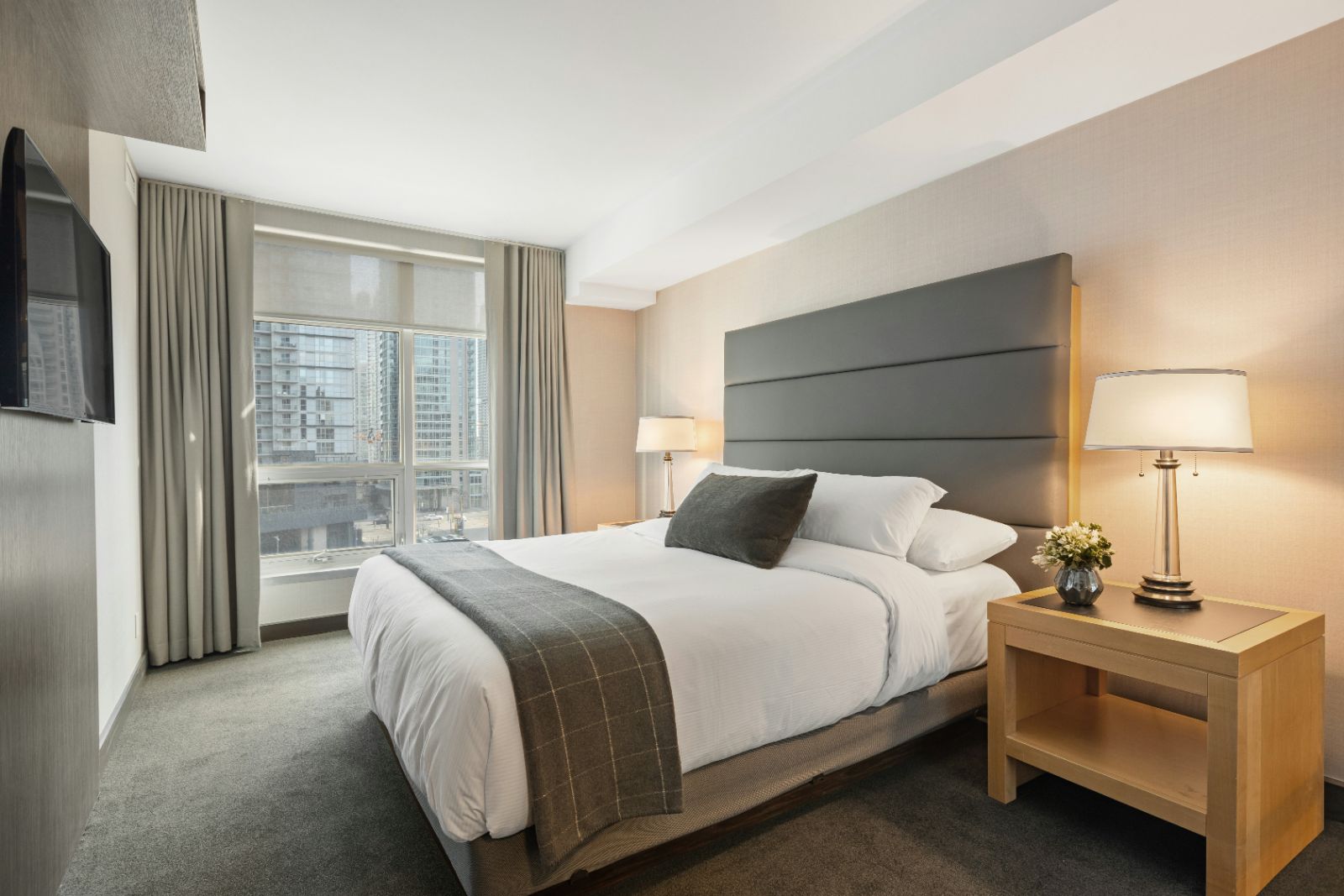
Quiet hotel room at dusk with the lamps on

Every request ends at a door. It should be the right one.

Features

Simple setup, used everywhere.

The foundation the rest of Blue Butler relies on.

  • 01

    Bulk add

    Create a floor of rooms in one line.
  • 02

    Room types

    Standard, Double, Deluxe or your own names.
  • 03

    Capacity

    Maximum guests per room.
  • 04

    Area

    Room size for accurate answers.
  • 05

    Active status

    Toggle rooms in or out of use.
  • 06

    Filters

    By type and status.
FAQ

Questions hotels ask about rooms.

How do we add rooms?

Type a range or a list, such as 101-109:Standard, 201 to 204, or 101, 102, 205, and press Enter. Blue Butler creates the rooms instantly, so you can set up a whole floor or an entire property in minutes.

What details are required?

Only the room number and room type. Capacity, area and other details can be added any time from the room list, and rooms with missing details are highlighted so nothing is forgotten.

Can a room be taken out of use?

Yes. Mark a room inactive without deleting it, for example during renovation or maintenance. It stays in your room list and can be turned back on whenever it’s ready.

Does this show live occupancy?

Rooms holds your room details and status. Who is staying in which room comes from Bookings, so the room number on each stay, conversation and request always matches your room list.

Where do room numbers appear?

On bookings, at the top of every guest conversation in the inbox and on every service request. Housekeeping, maintenance and the front desk all see the same room number, so they know exactly where to go.


What it manages9 modules

What Blue Butler manages

Blue Butler
Guests01 / 09

Bookings

Reservations synced from BluEarn.

Explore Bookings
Book a demo

Set up your rooms once. Use them everywhere.

See how rooms connect bookings, conversations and requests at your property.